BijouVision vs BLNG: which AI jewellery studio fits your bench?
The short version
BLNG is an enterprise creative suite for the jewellery industry: a design app (text, doodle, sketch, illustration or photo to render, on web and mobile), a Studio that turns CAD models into marketing content — product images and video, on-figure shots on digital models with ten skin shades — and an in-store Retail module for live made-to-order design. You experience it through demos and a sales process.
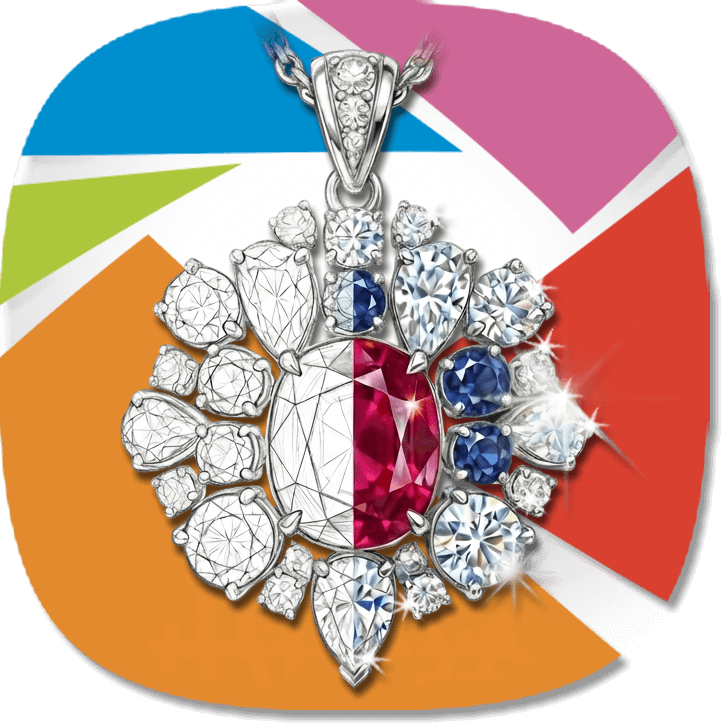
BijouVision is a studio-grade suite built by a jewellery school — JDMIS, Singapore's jewellery design and management institute. It is organised around eight jewellery-specific tools that walk a designer from napkin sketch to sellable product: sketch-to-render with a colour guide, 36-variation concept grids, a retoucher that locks the design in place, cinematic video with synchronised sound, printable 3D models, and a marketing-campaign writer. You start with credits, immediately — no demo gate.
Different doors into the same future. The question is where your work starts: at the CAD station or at the sketchbook.
Feature-by-feature
| Capability | BijouVision | BLNG |
|---|---|---|
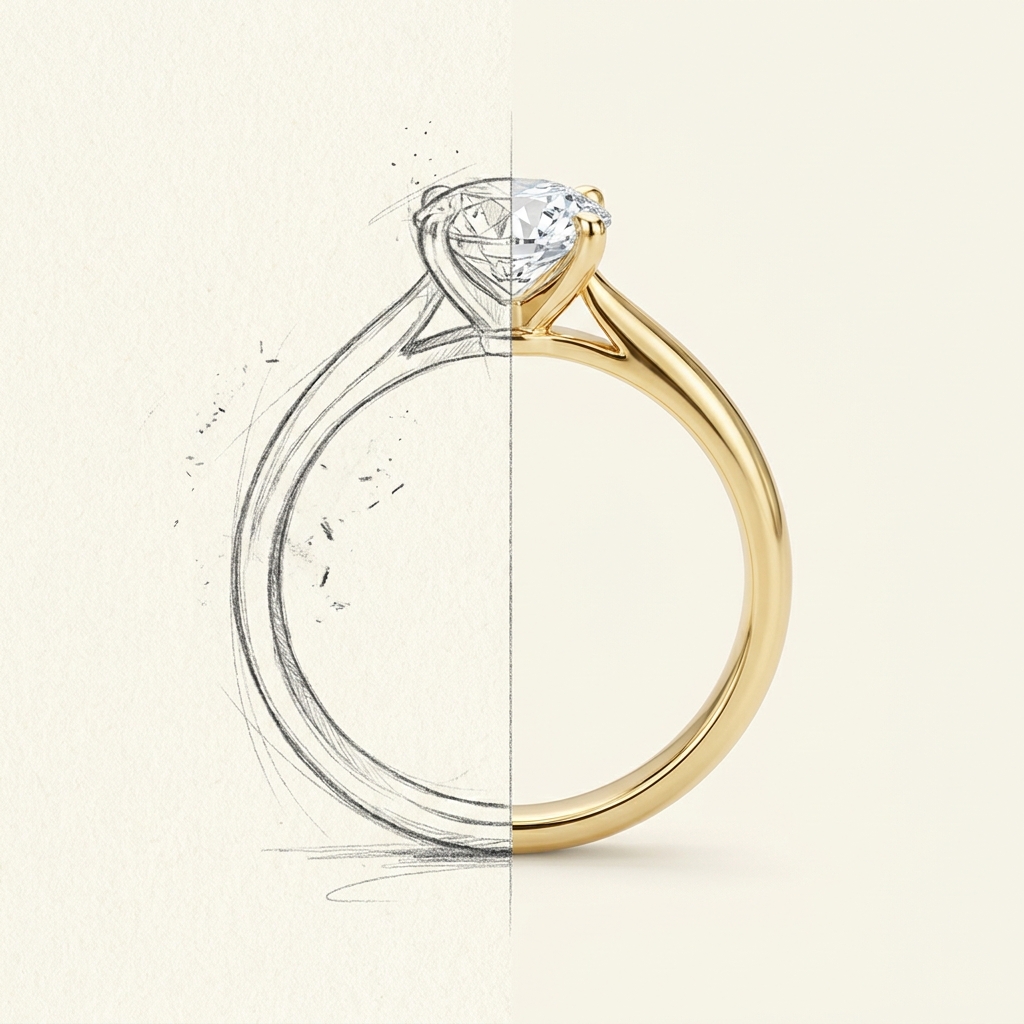
| Sketch to render | Signature workflow — hand-drawn sketch to photorealistic render, with an optional colour/fills guide for metal tone and gem palette, and multi-image reference blending | Doodle, sketch, illustration, photo and text to render, in the app on web and mobile |
| Iterating | Variation grids up to 36 per run, with six style engines including Historical (Art Deco, Victorian, Mughal…) and Cultural (Japanese, Celtic, Indian…) families | Iterate and refine with edit tools (select, replace, remove, mask, paint) and chat — including image edits and cost estimates via chat |
| Line-work cleanup | Dedicated Sketch Cleanup: redraws the drawing layer with clean, confident lines while every proportion, stone and note stays exactly as drawn | Not described as a dedicated tool; editing is handled through the app's edit/mask/paint tools |
| Product photography | AI Touch-Up enhances a real finished photo with the design locked in place — studio white, dramatic black, sparkle, metal-colour and lighting fixes | Studio produces product images and still-life content — generated from your CAD models, no physical sample needed |
| On-model content | Composites the piece onto your own brand-model photography and even your own packaging/unboxing shots | On-figure images and video on digital models, with ten diverse skin shades aligned to Google's Monk Skin Tone Scale |
| Video | 5–10s cinematic clips with native synchronised audio, six cinematic presets, e-commerce turntable/macro loops, and scale guardrails that keep jewellery true to size | Product and on-figure video as part of Studio's marketing content from CAD assets |
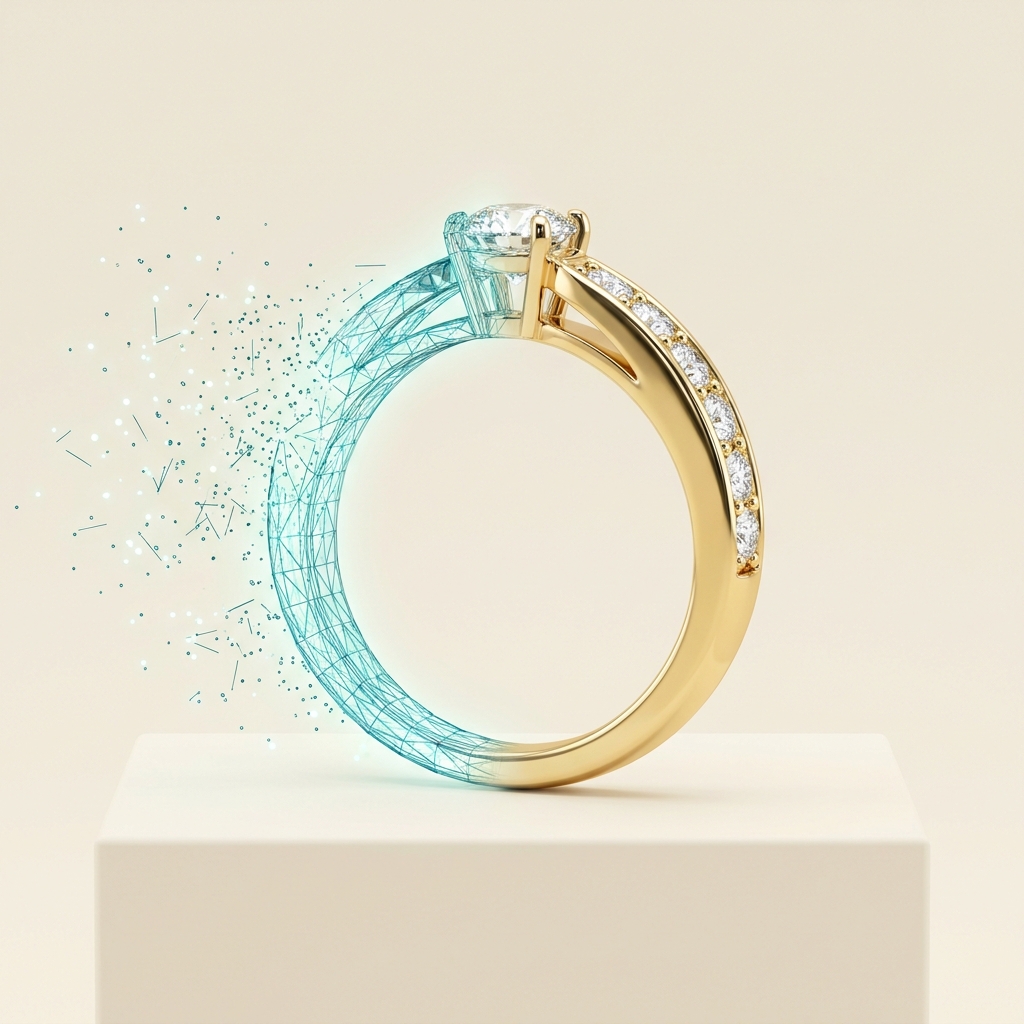
| 3D | Generates printable 3D models from your designs — towards the bench, not just the brochure | Starts from your CAD models — renders content from existing 3D assets |
| Marketing copy | Built-in campaign writer for product pages and promotions | Not advertised as a copy-writing tool |
| In-store retail | Not a retail counter product | BLNG Retail — live, made-to-order design in-store, in real time |
| Getting started | Credit-based, start immediately, education on-ramp through JDMIS courses | Studio demo / sales process; app download for design |
| Built by | JDMIS — a jewellery school with two decades of designers, gemmologists and bench artisans in the room | A dedicated AI company for the jewellery industry |
Where BLNG wins
Choose BLNG if…
- Your designs live in CAD (MatrixGold, Rhino and friends) and you need marketing content from those 3D assets at scale.
- You want on-figure content on diverse digital models — their ten-shade Monk-scale system is a genuinely thoughtful answer to inclusive representation.
- You run retail floors and want live in-store customisation as part of the same suite.
- You prefer an enterprise relationship with demos and account management.
Choose BijouVision if…
- Your ideas start on paper — sketch-first rendering with a colour guide for exactly which metal and stones you meant.
- You explore in families, not singles — 36-variation grids across historical and cultural style engines.
- You photograph real pieces and want retouching that locks the design — and composites onto your own model and packaging photos.
- You need video with sound, turntable loops and printable 3D from the same studio.
- You want to start today, with credits — ideally with training from the school that built it.
Why a jewellery school built an AI studio
Because our students kept asking the only question that matters: what do I actually do with this? BijouVision's tools mirror how JDMIS teaches design — sketch with intent, explore in families, respect the materials, present like a brand. The AI is trained for jewellery vocabulary because the people around it speak jewellery every day. That's the whole thesis; the tools are the argument.
Frequently asked questions
Is BijouVision the same kind of tool as BLNG?
Which tool is better for hand-drawn sketches?
What about marketing photos and video?
How does pricing differ?
See it with your own sketch
Upload a drawing, pick your metals and stones, and render it — the fastest way to judge any comparison table is to run your own design through both.
Start creating in BijouVision Visit BLNGBuilt by JDMIS — Jewellery Design & Management International School